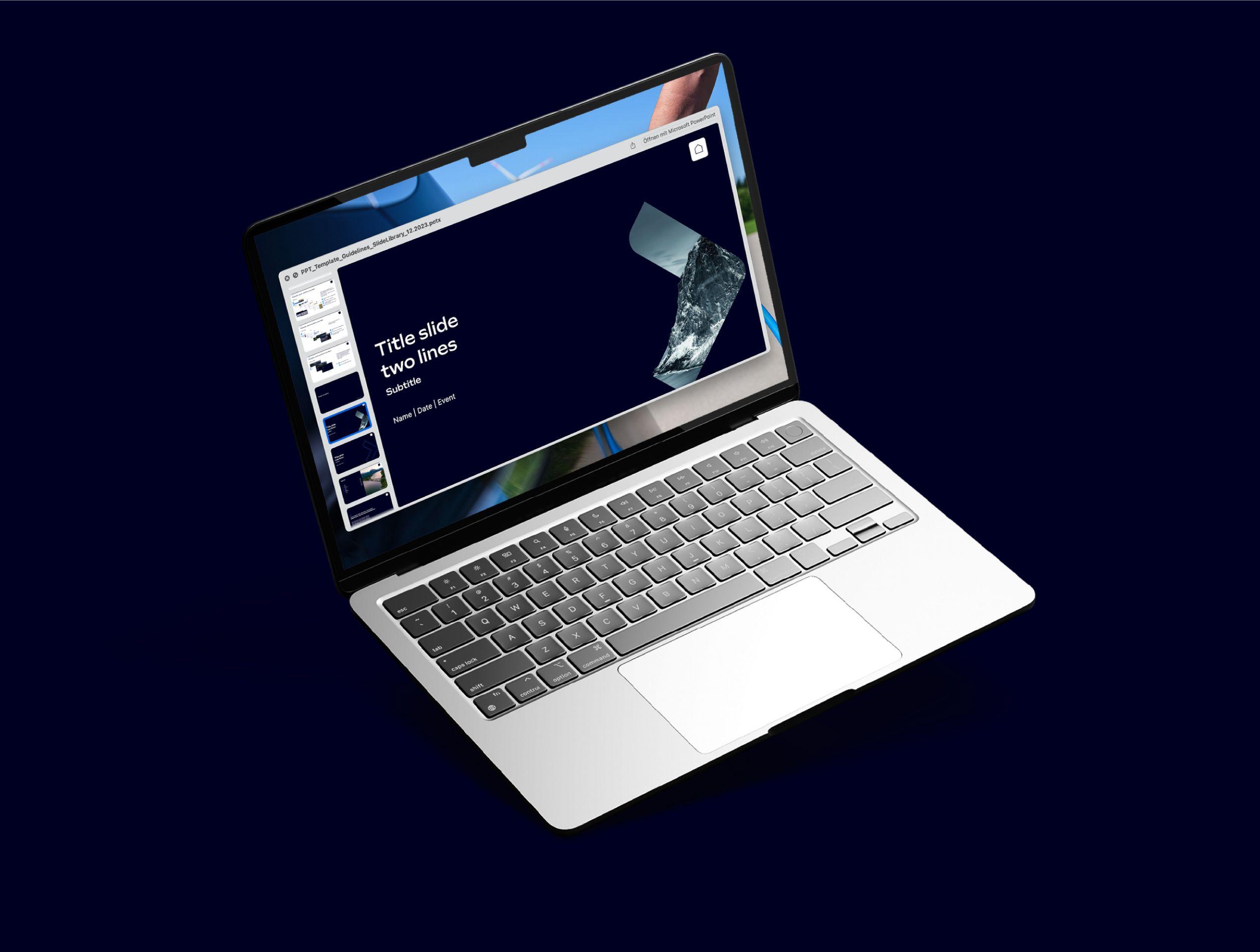
Office-Templates
Office-Templates
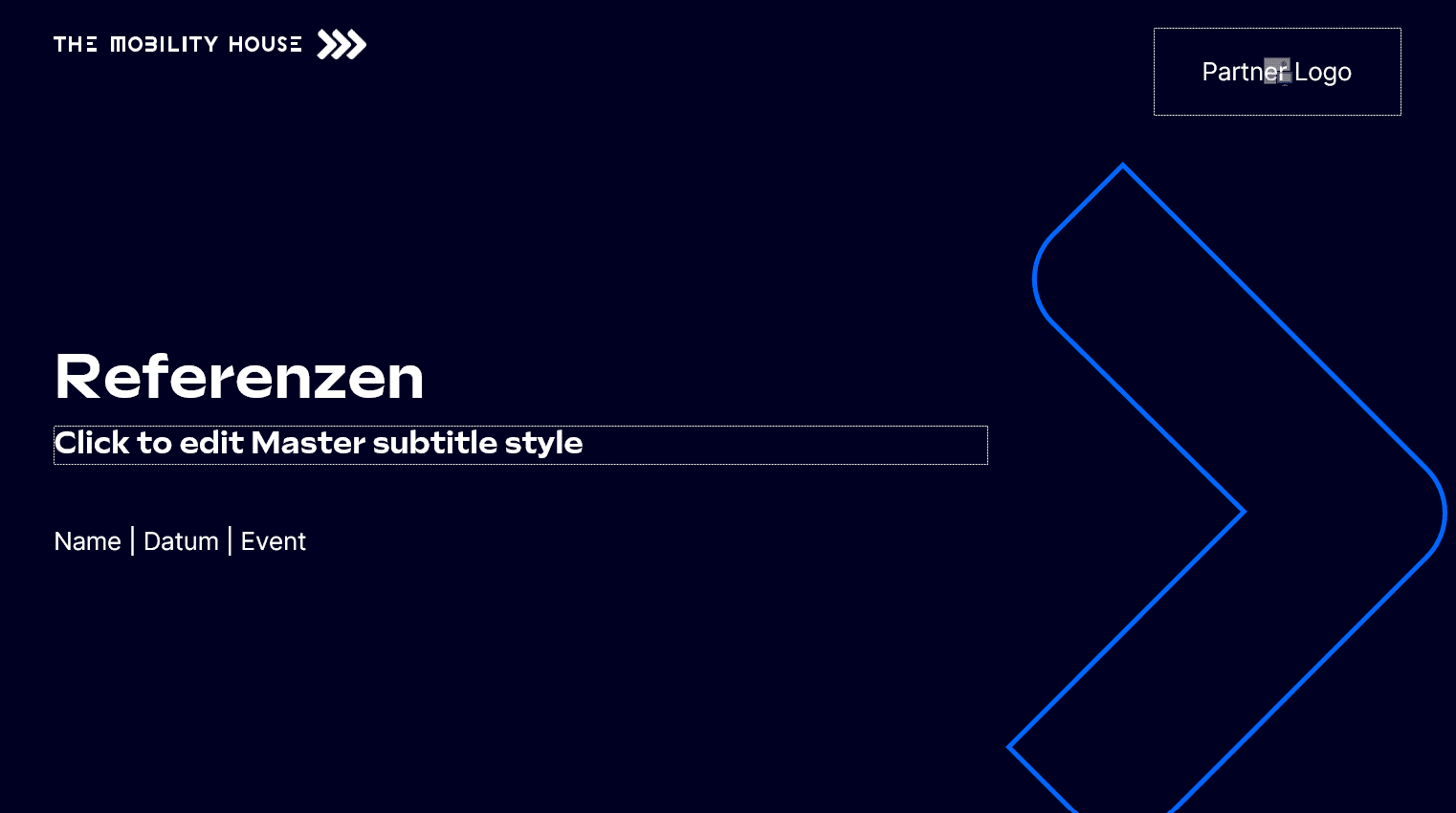
PowerPoint template
- TMH Presentation template
- For creating presentations (work file)
- Guidelines how to use PPT template CD-compliant > Switch to presentation mode for the guided tour!
- Slide library with design templates for presentations
- Watch out: Do not work in this file!
- Please use PDF format to share your PPTs to make sure that all fonts are readable
Last updated: April 2024
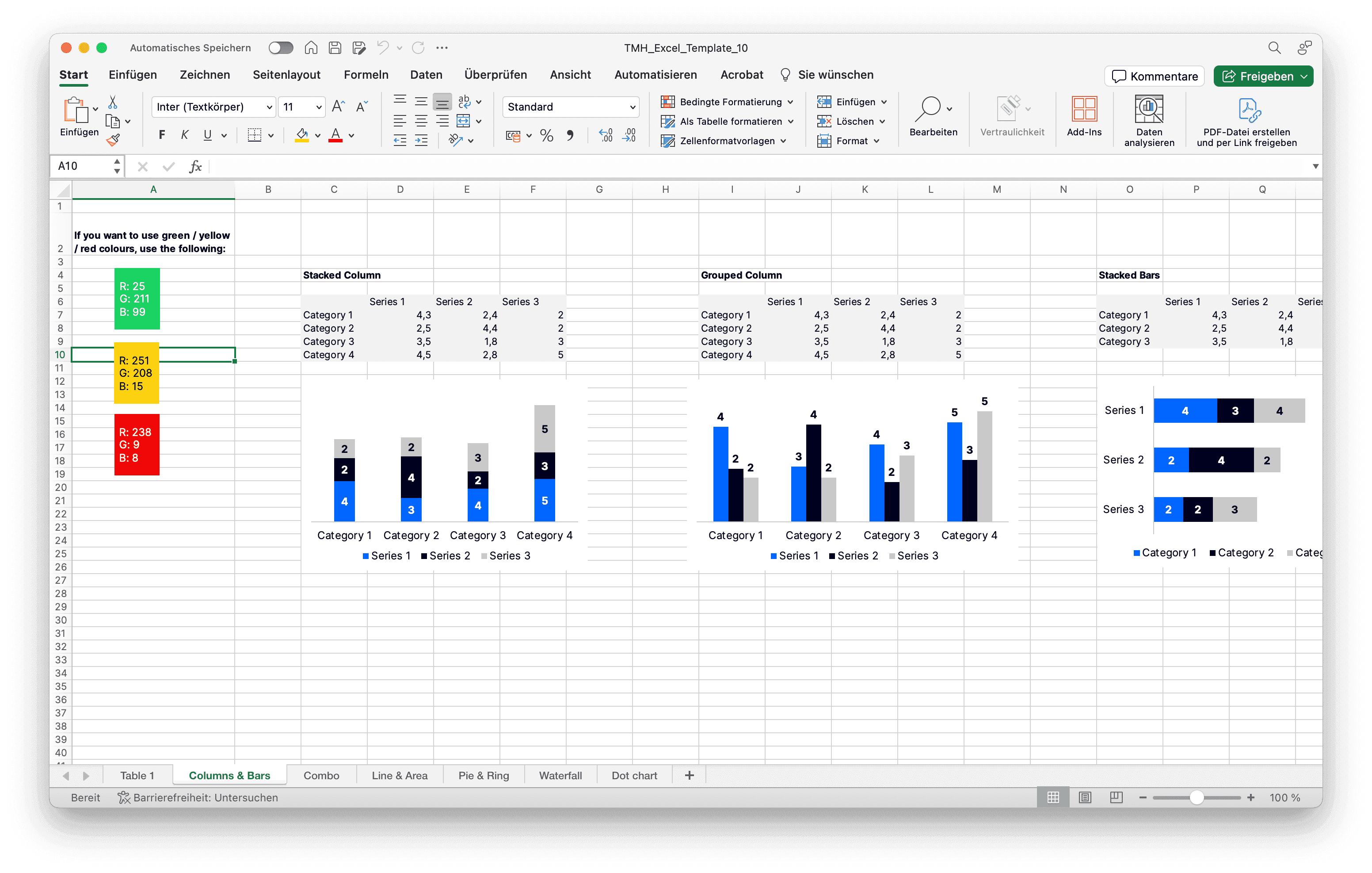
Excel
Excel template with diagram templates
Ready to use?
Download Excel
Download Excel
Last updated: April 2024
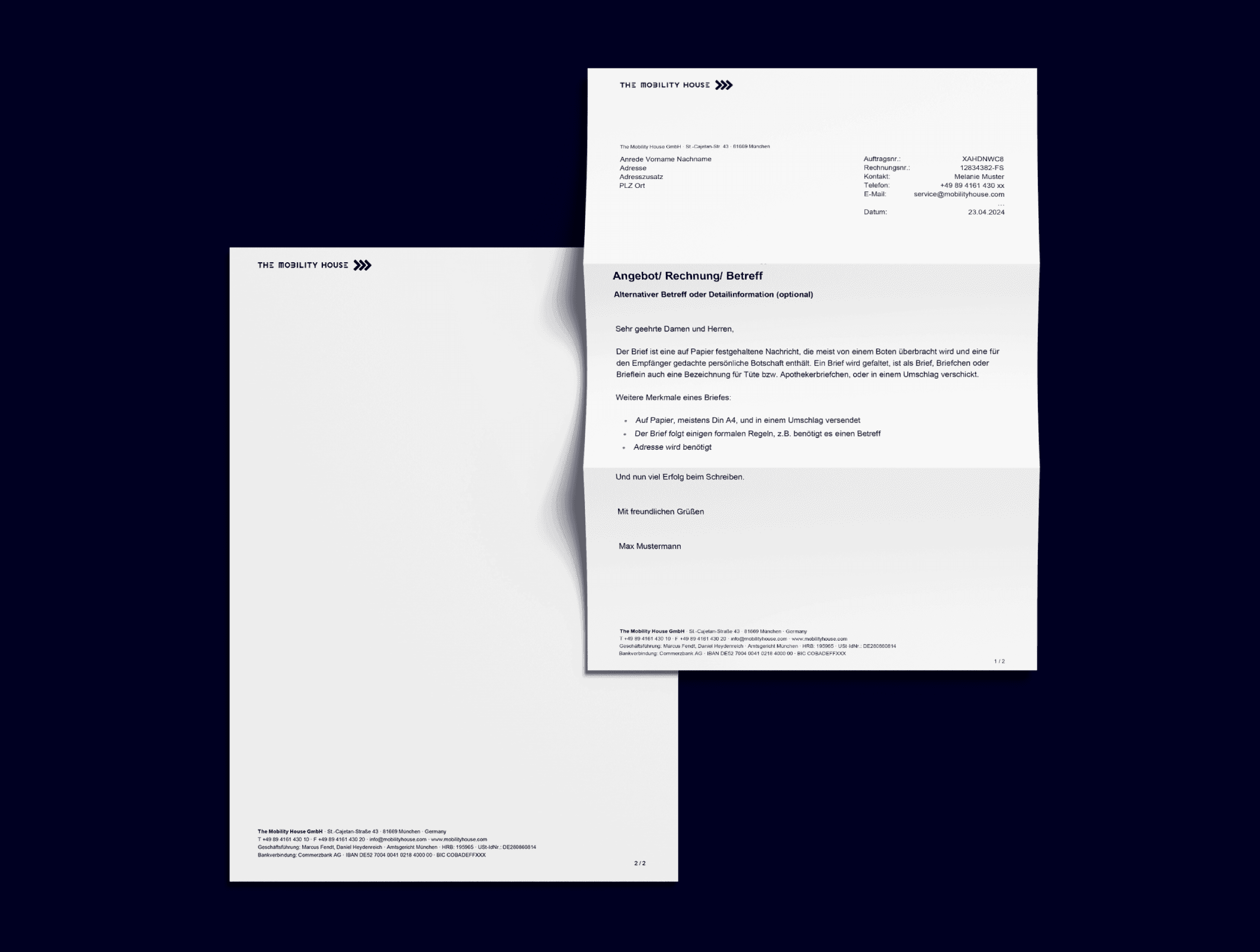
Word
Word templates for documents, press releases or letters
Ready to use?
Download Word
Download Word
Last updated: April 2024
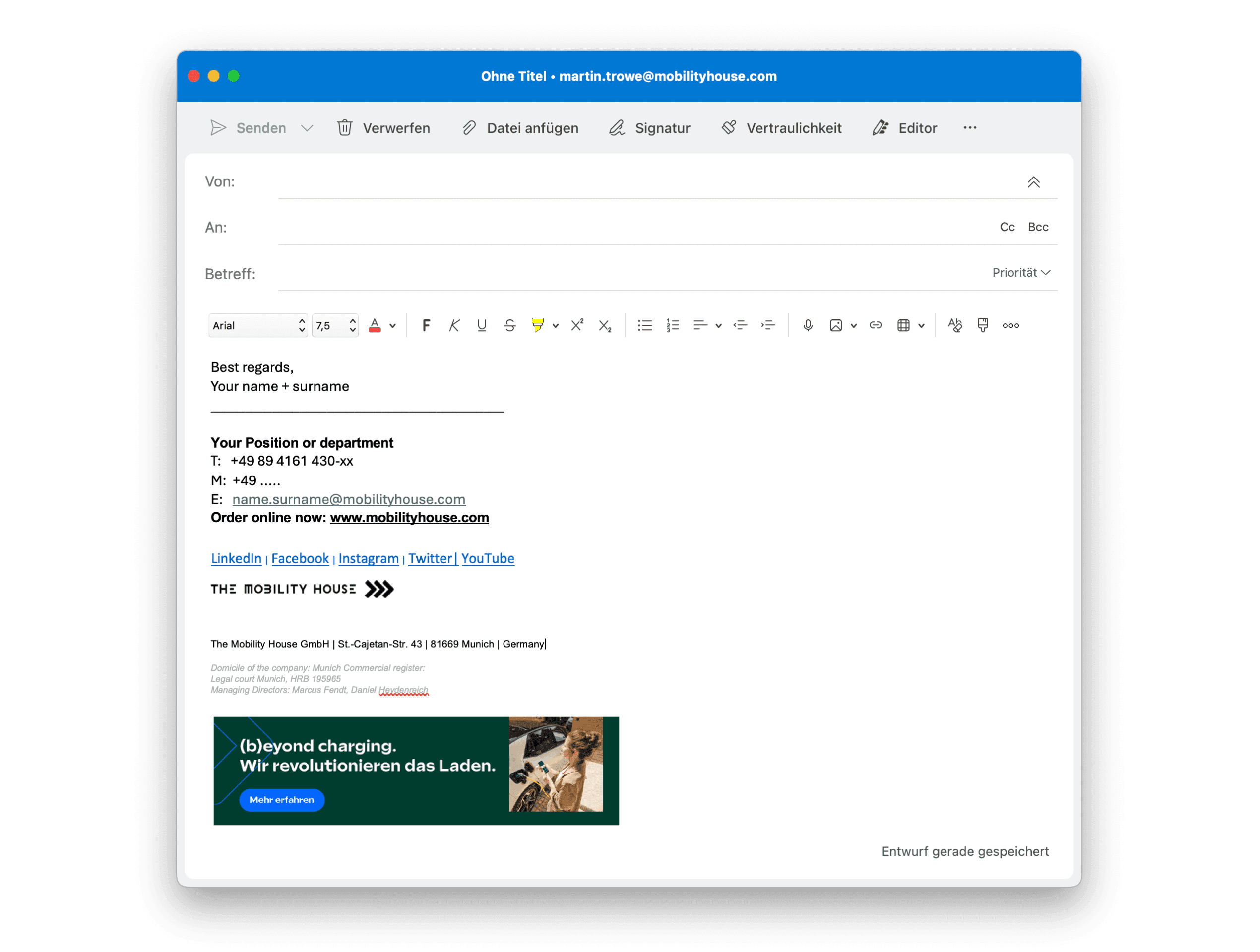
Outlook Email Signature
Template for your individual email signatures
Open Outlook.
- Click on the "File" tab in the upper left corner of the window.
- Select "Options" at the bottom of the File menu.
- In the Outlook Options window, select "Mail" on the left-hand side.
- Scroll down to the "Compose messages" section.
- Click the "Signatures" button.
- In the Signatures and Stationery window, select the email account you want to change the signature for, or click "New" to create a new signature.
- In the "Edit Signature" box, you can create or edit your signature. You can format your text, add images, links, and other elements to customize your signature.
- Once you've finished editing your signature, click "Save."
- You can set your default signature for new messages and replies/forwards from the drop-down menus in the "Choose default signature" section.
- Click "OK" to save your changes and close the Signatures and Stationery window.
Ready to use?
Download Signature
Download Signature
Last updated: April 2024